Community Groups
Bring unity to Community
The simple solution to create a central hub for your community group. Take away the confusion for your members and reduce your weekly admin.
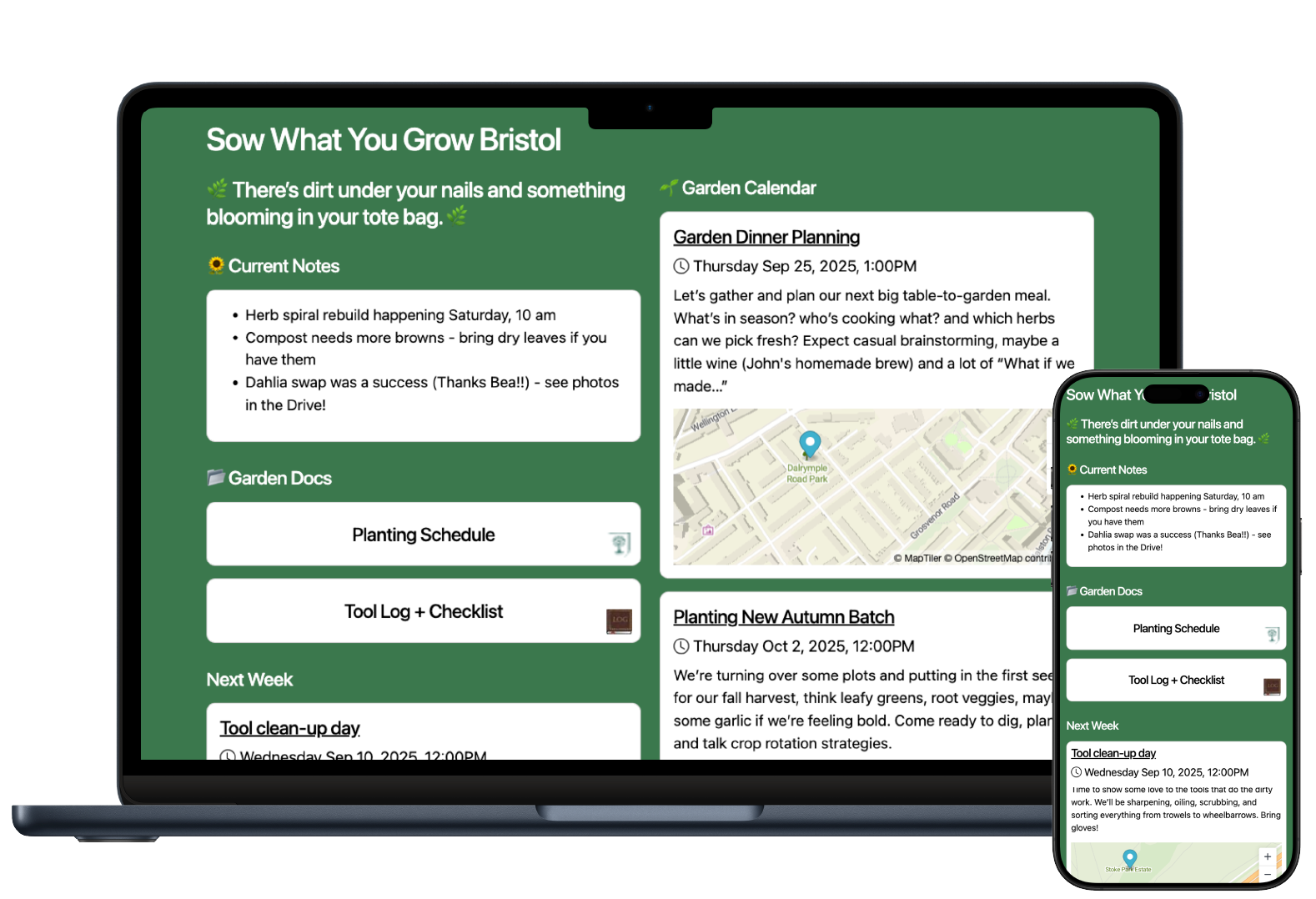
Everything on One Page
You need to share the details of your weekly youth group, gardening club, community choir or church group. Do it all on one page.
Every Member Reached
No need to share updates on social media and hope the algorithm works for you today. Share what you need, when you need it.
Who's Coming and When
Stop the guesswork of who is coming to your book club. Ask for responses and collect numbers of attendees.
Share with the Right Members
Church running multiple groups, choir, youth club and sunday school? Separate your members and send the right updates.
Invited and Private
A WhatsApp group has the personal details on display for all members to see. Your mesh is secure and private.
No Ads Ever
Your community club is based around shared beliefs and interests, not brands. Usermesh won't ever contain advertising.
You need to communicate your next meetup with your members.
When and Where
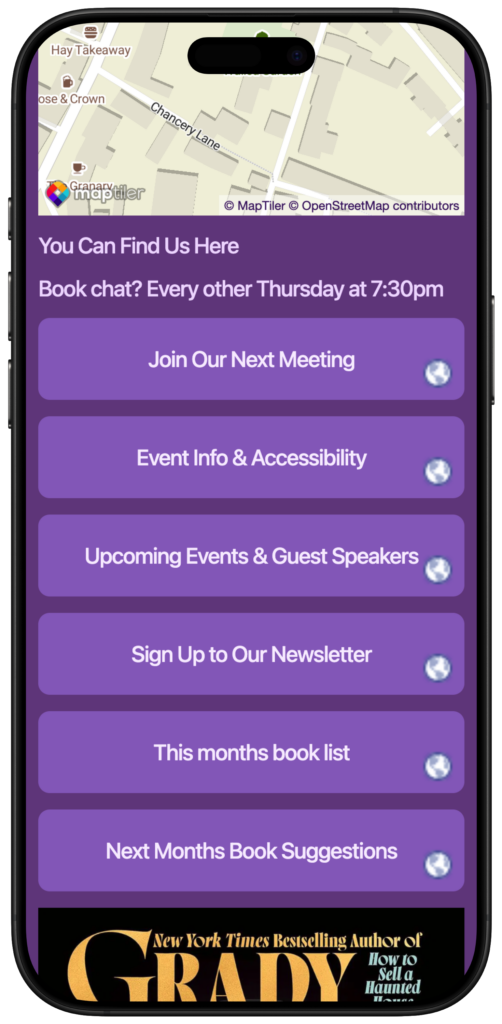
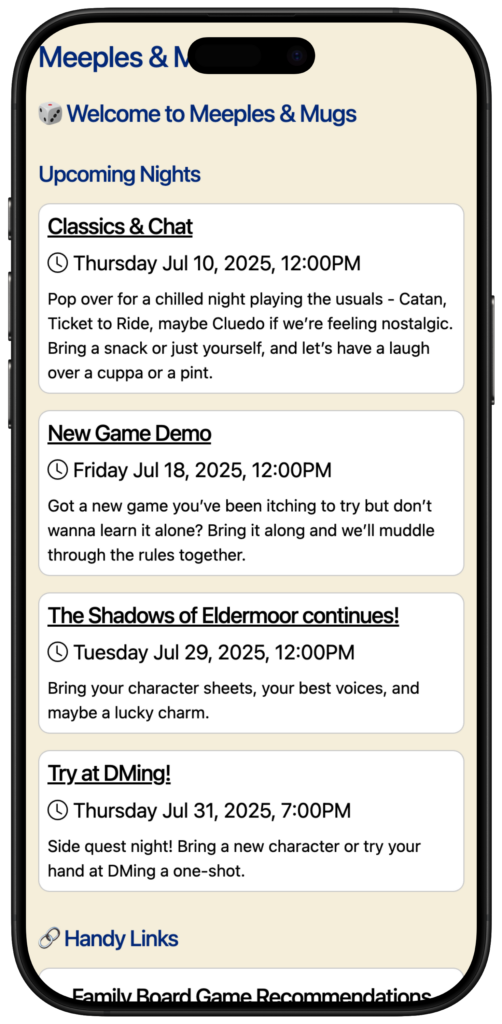
Usermesh lets you repeat weekly meetings, manage attendees and share venue locations with an easy to use events card. How much cake needs baked?

Show Off
You need to celebrate club success, not just grind out the week to week.
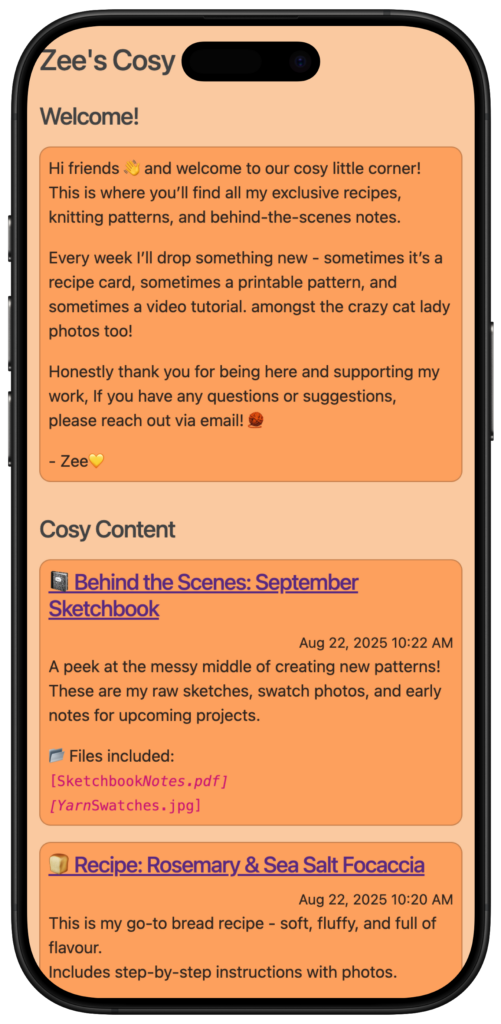
You can use posts to communicate more than just what's happening this week. Share photos of the last meetup. Tell everyone what book you're reading next. Pin them to your boards and send them out via email.

Nuts and Bolts
Perfect for the boring paperwork too.
Upload files to share a PDF with winter gardening tips, a Word document with a list of board games you should all play, or just some really insightful comments about why Douglas Adams is such a great author. Whatever suits.

Highlighted not hidden
Your social media posts just get lost in among the noise. Members on WhatsApp won't stop talking about other things.
We've been there. You post something about an upcoming event on WhatsApp and half the members want to reply and just chat about other things, meaning the other half don't even see the update. Usermesh is one-way, not two-way communication.

Create Your Mesh
Sign up for a Usermesh account, then create your Mesh. Give it a name and choose your mesh address. Everyone gets a subdomain of umesh.co. eg. my-great-group.umesh.co.
Create Your First Board
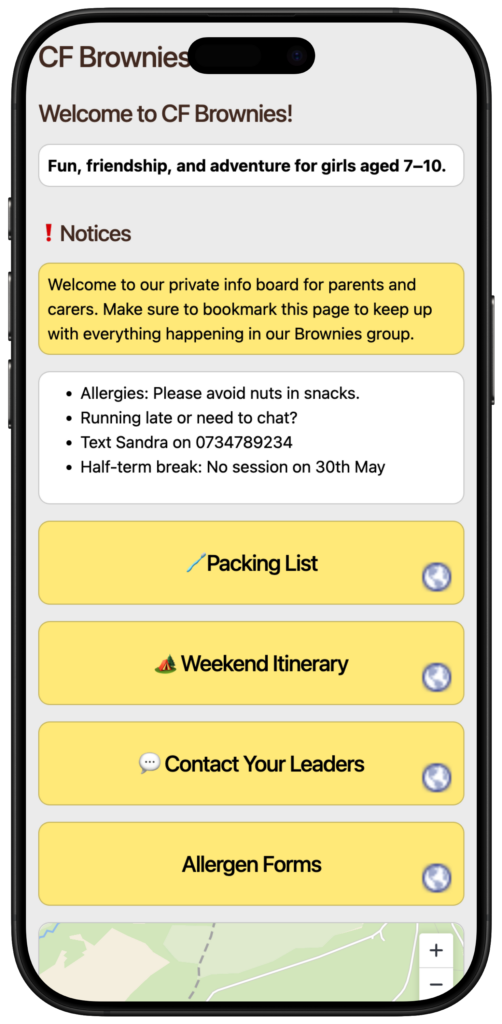
Boards display the content you want to share with your group. Your latest posts. The upcoming events. The items they need for the upcoming rehearsals. Add and order as you need.
Add Your Events
Single events or repeating, in physical or online locations. Organised by type, targeted at a specific type of member. Add a map so everyone knows where to go.
Make It Your Own
Upload your logo and change the colours to match your club brand. This is your space, and your members should feel at home.
Invite Your Members
Time to tell your members all about it. All you need is their email address, then you can invite them all in. Share your mesh address with them and they don't need to signup for an account.
Drink Coffee Over These
Built for your CLUB
No mess, no fuss, just considered features designed for a Community Group like yours.
Notice Boards
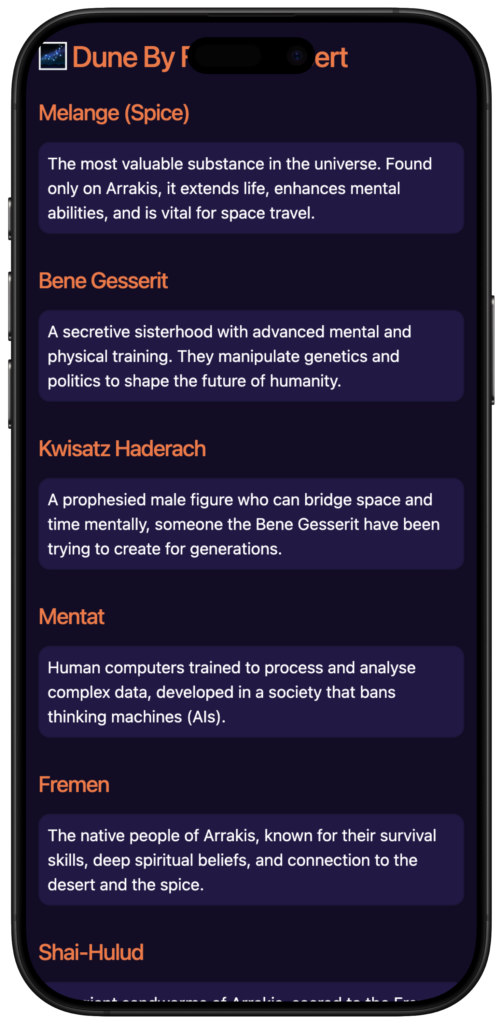
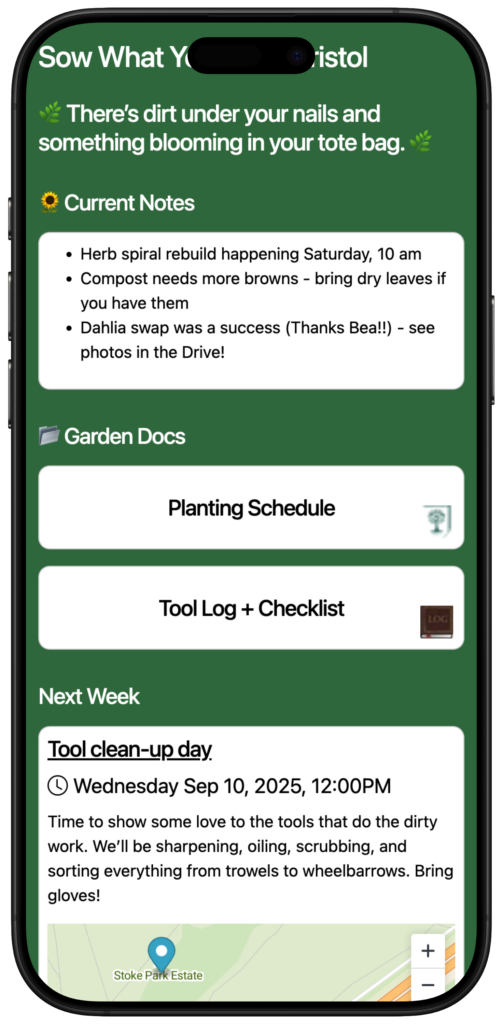
Use Boards to share church calendars, choir rehearsals, younth programme events. Use Links, Text, Images, Video, Files all in one place.
Images
An image says a thousand words. Which is why we wish we had an image to use here. Upload images onto your boards or posts.
Videos
Keep your choir in tune by sharing progress videos or teacher led demonstrations. Just upload to YouTube and then embed on your board.
Recurring Events
If your club runs events multiple every week, you can set them all up once. Delete and override occurrence details as required.
Map Pins
Share exactly where your regular venue is or share individual event locations using map pins and addresses. Nobody gets lost.
File Storage
Clubs also need the dull stuff. File storage lets your members access your T&Cs, Risk Assessments and Health & Safety policies.
Pinned Posts
Make sure priority information is front and centre. Pin your key posts and put them at the top of your board and make sure it's there for all to see.
Time Saving
Wasting time answering the same questions week in week out? Get all your FAQs in one place for members to help themselves.
Your Members Deserve More
Give them what they deserve. Start your Usermesh journey today and break free from WhatsApp and Social Media chaos.