
Education businesses run on clarity and consistency. Whether you provide private tutoring for school-aged children, support learners in further education, run cohort-based courses, or coach business teams, your outcomes depend on learners reliably knowing:
- what happens next (schedule, session links, location, joining instructions)
- what to do between sessions (homework, practice, templates, readings)
- what “done” looks like (expectations, milestones, feedback loops)
Many providers default to whatever feels easiest: email threads, a WhatsApp group, or a private Facebook Group. These tools are familiar, but they are counter-intuitive to business-grade programme delivery because they prioritise conversation (or feed engagement) over operational reliability. Remove friction for Education Businesses by removing ‘convenient’ communication methods better suited to personal use.
This post explains where each channel breaks down, and offers a practical communication model that preserves convenience without sacrificing structure.
The underlying problem: you’re trying to run a programme on tools built for messages
Education delivery is not “send info once.” It’s repeated, scheduled, cumulative. That means you need:
- A single source of truth (the current link, the current worksheet, the current policy)
- Findability over time (learners can self-serve without asking you again)
- Version control (updates replace prior versions, not compete with them)
- Governance (who has access, for how long, and in what role)
Email, WhatsApp, and Facebook Groups can help you broadcast. They struggle as the operating system for your service.
Why email-only communication quietly fails (even when you’re organised)
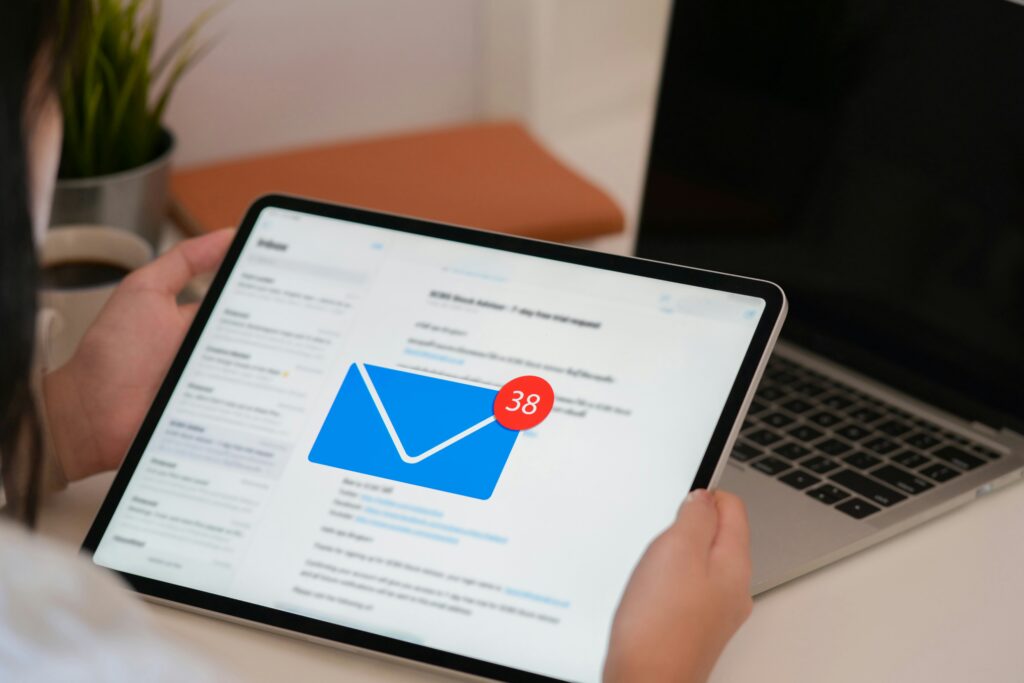
Email feels “professional,” but it has structural weaknesses for ongoing programmes:
1) Inbox overload means your most important messages get skimmed or missed
People process email under heavy cognitive load. Microsoft’s research (Work Trend Index) reports the average worker receives 117 emails per day, and many are skimmed quickly rather than read carefully.
Even if your learners are not “office workers,” the reality is similar: important programme updates land in a crowded inbox.
2) Email is chronological, not contextual
Education programmes are contextual: “this week’s worksheet,” “the current session link,” “the latest recording.” Email stacks information by time sent, which forces learners to search and guess which message is the current one.
3) Attachments create version-control chaos
Once “Worksheet v2” is sent, the old version still exists in multiple inboxes (and gets forwarded). Learners lose confidence that they’re working from the latest material.
4) You become the helpdesk for your own service
When learners can’t find a link, a form, or the joining instructions, they ask you. Multiply that by a cohort and you’ve created an avoidable admin function.
Why WhatsApp is counter-intuitive for education delivery (despite being responsive)

WhatsApp is excellent for fast coordination. It is not designed to be a durable programme hub.
1) A chat stream is not a resource library
WhatsApp organises content in a continuous stream. Learners inevitably end up “scrolling for the link” or asking again. Search and pinned messages help, but once the group is active, important items get buried.
2) It blurs business boundaries and increases “always-on” expectations
With WhatsApp, you often move service delivery into a personal channel:
- personal phone numbers are exposed
- responses feel expected outside working hours
- historical chat context persists long after someone finishes (or leaves) a programme
This is operationally misaligned with a professional education service.
3) It doesn’t scale cleanly
WhatsApp groups have a documented maximum size of 1,024 members.
Many providers won’t hit that ceiling, but the more practical limitation appears much earlier: as messages increase, clarity and findability fall.
4) Security is strong in transit, but governance gets complicated in practice
WhatsApp states personal messages and calls are protected by end-to-end encryption.
However, backups are a frequent operational blind spot. WhatsApp’s own help documentation describes end-to-end encrypted backups as something you must turn on and protect with a passkey/password or a 64-digit key.
Independent security commentary and reporting has also highlighted that cloud backups historically created an encryption “gap,” and that encrypted backups are opt-in.
For education providers, the key point is not “WhatsApp is unsafe.” It’s that your ability to govern and audit programme communications depends on each user’s device, settings, and behaviour, which is not a stable business process.
Why private Facebook Groups are counter-intuitive (even when they build community)
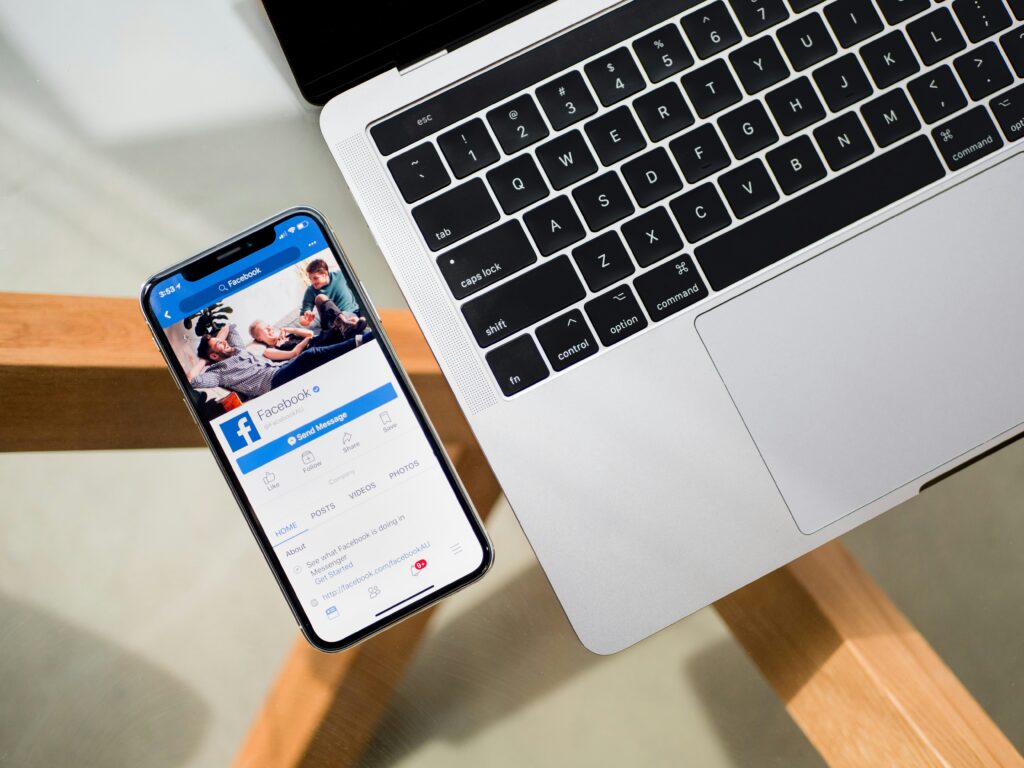
Facebook Groups can create energy and peer discussion, but they are unreliable as an operational backbone.
1) The feed decides what people see, not your programme requirements
Facebook describes feed ranking as a system that orders content by predicting what a person will find valuable or engage with.
That’s optimised for engagement, not for “every learner must see the schedule change.”
Meta also explicitly describes AI systems ranking what appears in different feeds, including groups-related surfaces.
2) Notifications default to “Highlights,” which is not “All updates”
Facebook’s help documentation states that when you join a group, the default notification setting is Highlights, and users can change it.
Operationally, that means your important post may not trigger an alert for many members unless they actively opt into more notifications.
3) It creates participation friction and audience exclusion
Some learners (and many parents) avoid Facebook entirely. Some workplaces restrict it. Others dislike mixing learning with social feeds. The result is predictable: you end up running parallel channels (“Can you email me instead?”), which recreates fragmentation.
4) The platform’s business model can undermine “private learning space” expectations
Meta’s privacy policy explains it uses collected information to provide a personalised experience, including ads.
Even if your specific group feels private, the broader environment can reduce perceived professionalism for education services (especially where parents or businesses are paying for outcomes).
A better model: use messaging channels for nudges, and a private hub for everything else
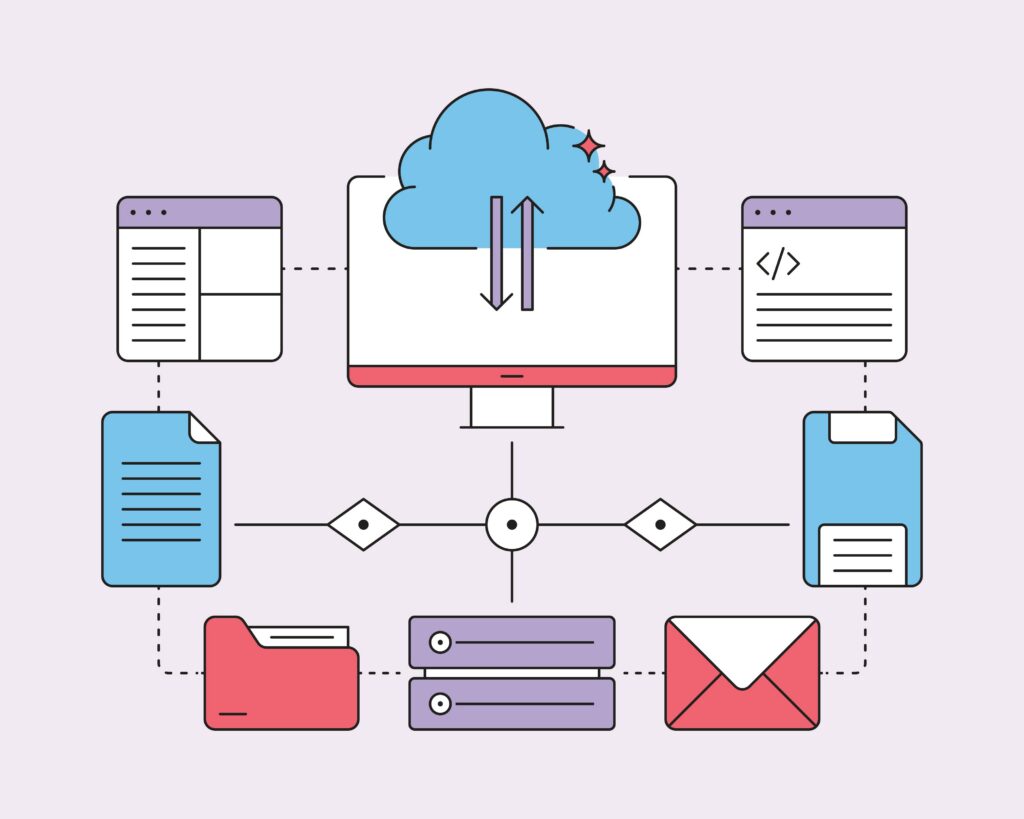
The practical solution is not “stop using email/WhatsApp/Facebook.” It’s to stop using them as storage.
Use them as a notification layer.
Use a private online space as the system of record.
That online space/hub should hold:
- programme overview + onboarding (“Start here”)
- schedule + session links
- current week’s materials + homework
- recordings/recaps
- policies and FAQs
- evergreen resources and templates
Then your emails/messages become short and effective:
- “New worksheet posted — check the hub”
- “Session time changed — updated in the hub”
- “Recording now available — link in the hub”
This reduces missed updates, lowers admin burden, and improves learner self-service.
How to implement this

A hub works when it’s operationally disciplined.
Step 1: Build a “Start Here / This Week / Resources” structure
Keep it boring and consistent:
- Start Here: how the programme works, norms, how to get help
- This Week: next session details, current task, current materials
- Resources: templates, recordings, reference material, policies
Step 2: Move repeat links out of chat/email permanently
If a link remains relevant for more than seven days, it belongs in the hub:
- live session link
- booking/rescheduling
- shared drive folder
- homework submission form
Step 3: Adopt a strict “update the hub first” rule
When something changes, update the hub, then notify via email/WhatsApp:
- prevents competing versions
- keeps late joiners aligned
- reduces “I didn’t see that” ambiguity
Step 4: Design for onboarding and offboarding
Education businesses routinely cycle cohorts. Your hub should make it easy to:
- add members quickly
- remove members cleanly when the programme ends
- keep prior cohorts from lingering in the same communication space
How Usermesh Can Help.
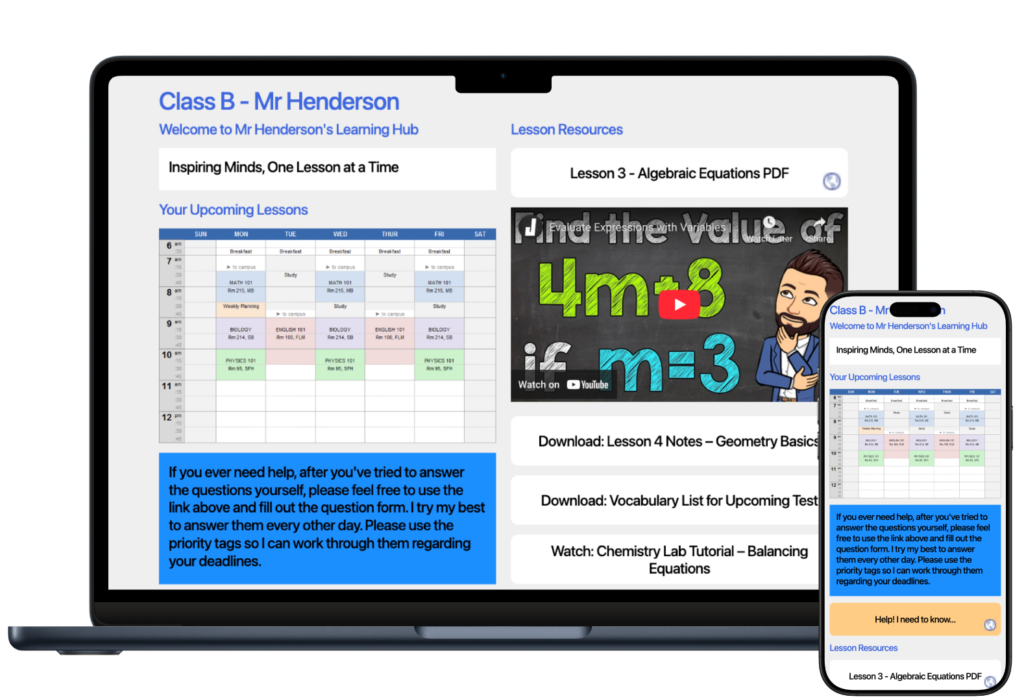
Usermesh is a no-app, browser-based private noticeboard where members access via email (no traditional account signup) and can be removed easily.
It supports common programme needs like sharing files, maintaining “quick links,” posting updates (which can also be emailed in real time), and keeping everything organised in one place. Share single events, recurring events, links to online sessions with the ability to section your members into sub groups using members segments.
Once you enforce the rule of checking your hub for answers, learners stop depending on their memory of what was said in a thread and start depending on a reliable source of truth to find what matters.
Sign up for free today and see what Usermesh can do for your group. https://usermesh.com/